Close a position
Closing clears the config in one transaction. There is no withdrawal step, because nothing was ever deposited.
Chapters
- 0:00What closing means on Aqua
- 0:12Finding the close action
- 0:27The confirmation dialog
- 0:39After the close
What you'll learn
- What closing does (and does not) move
- Where the close action lives
- What the confirmation dialog verifies
Step by step
- 1
Locate the position
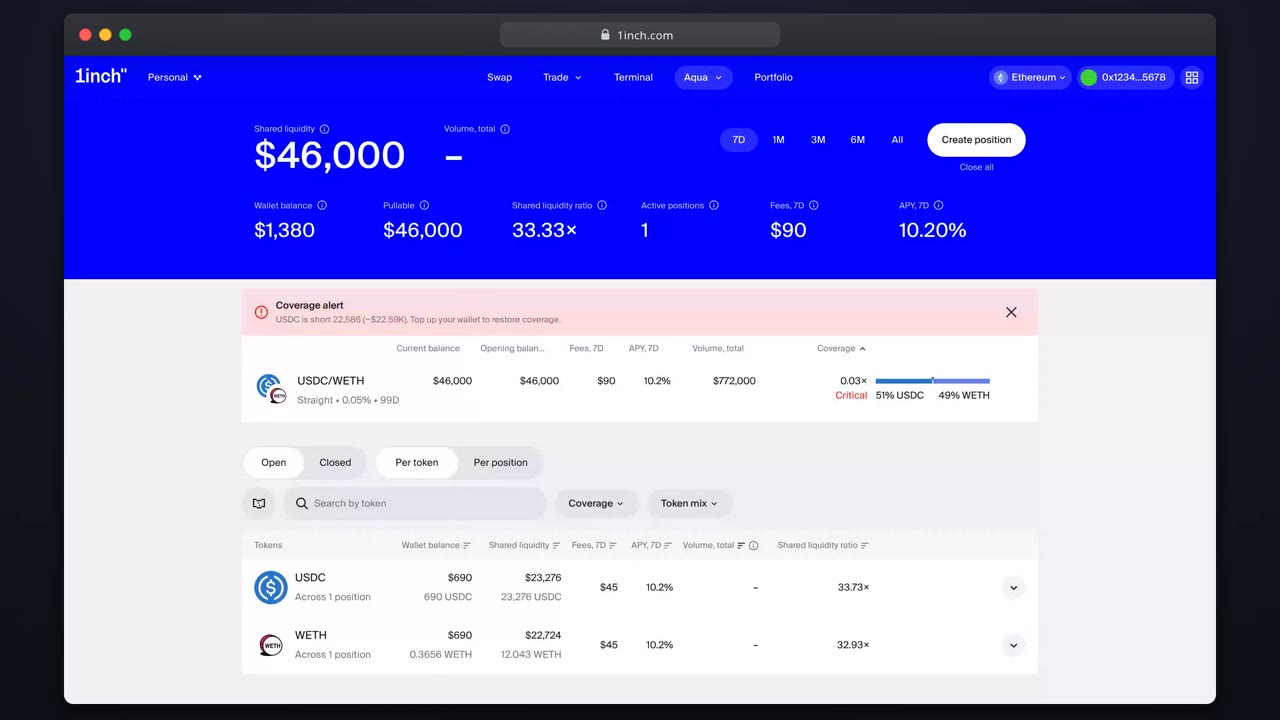
On the overview, open the row menu of the position you want to close.
- 2
Press 'Close'
The confirmation dialog summarizes the position you are about to clear.
- 3
Confirm and sign
One transaction clears the config. No tokens move: they are already in your wallet.
- 4
Verify
The position moves to the closed list. The allowance stays for your other positions.
Related tutorials

This flow is automatically verified on every release.