Video tutorials
Watch short, focused walkthroughs of every Aqua flow, from your first position to Safe-based batch operations.
Getting started
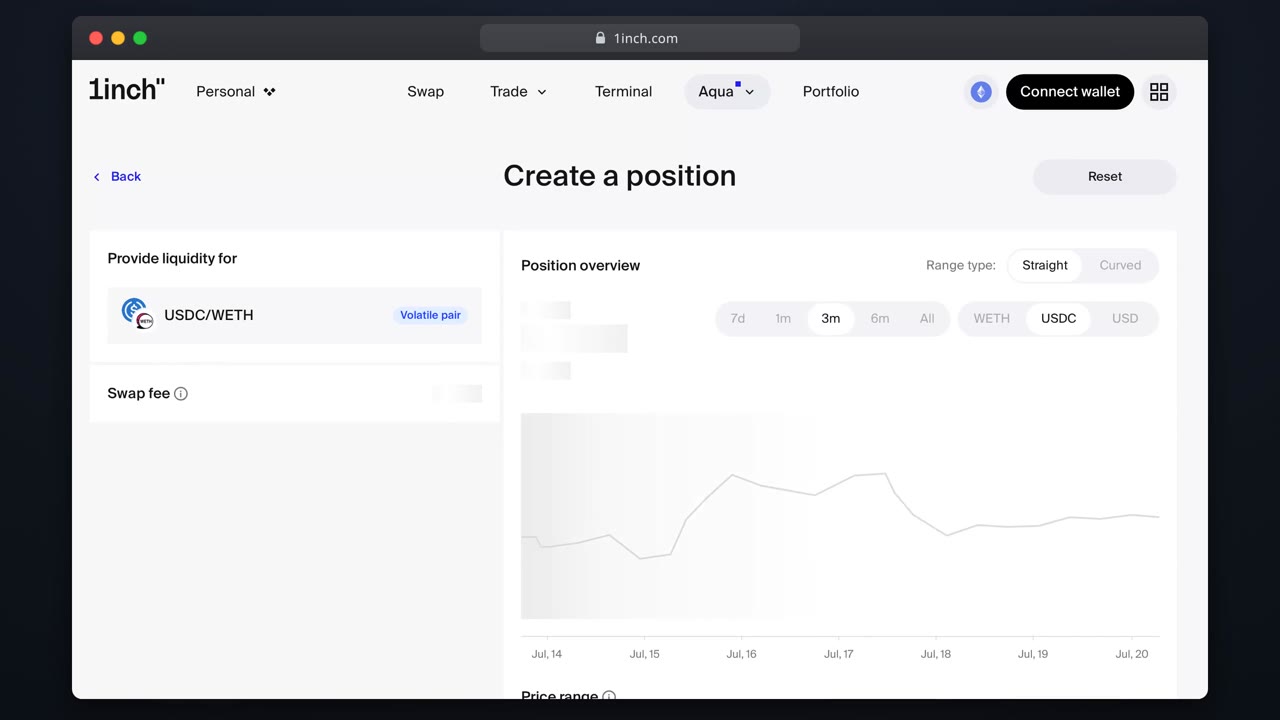
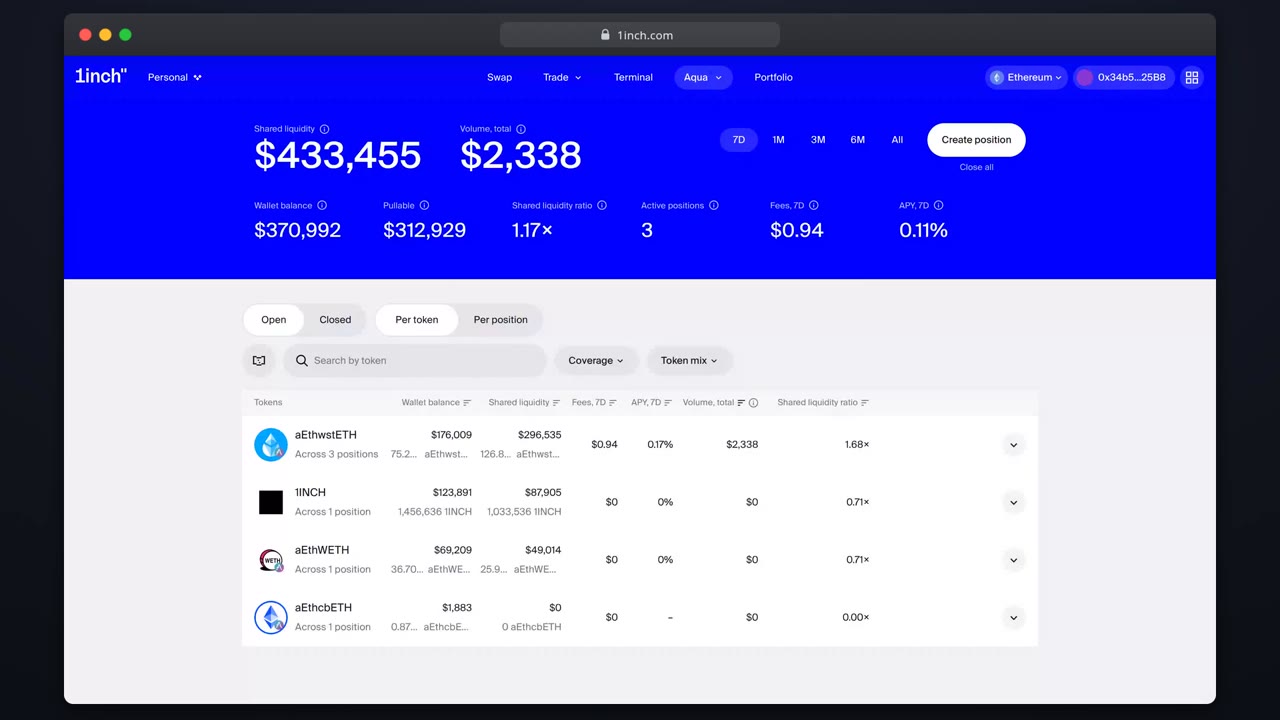
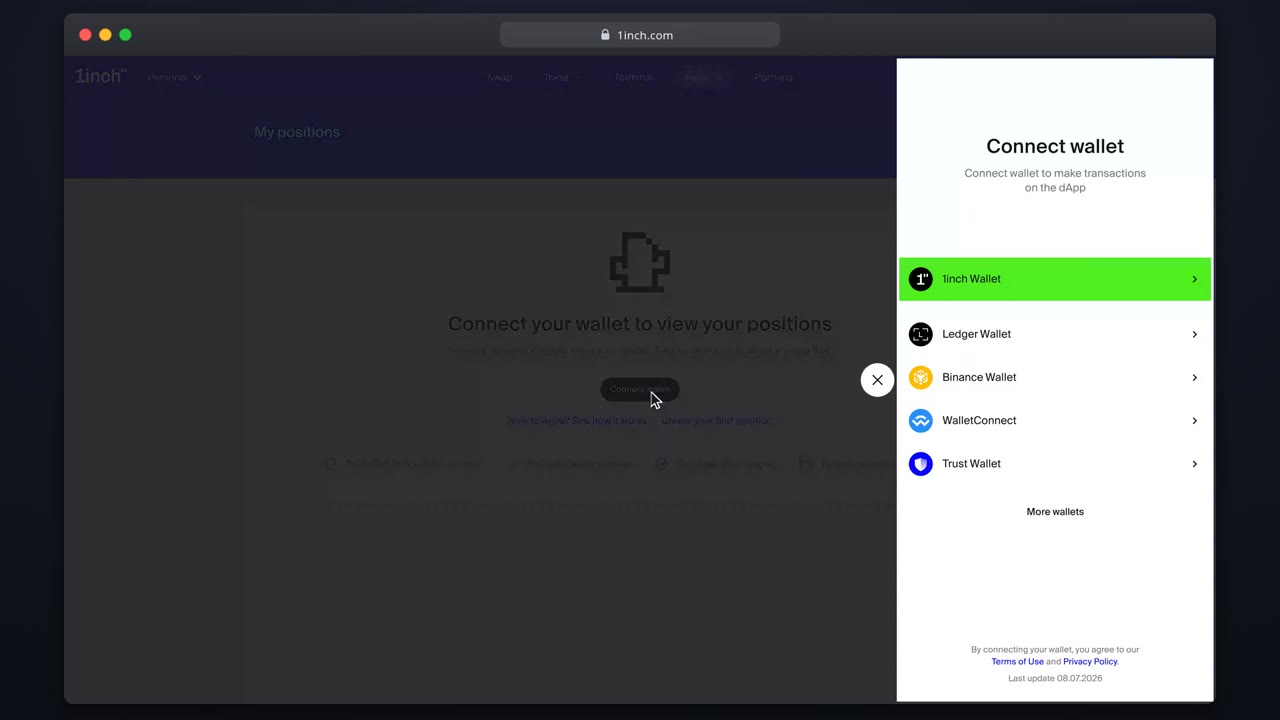
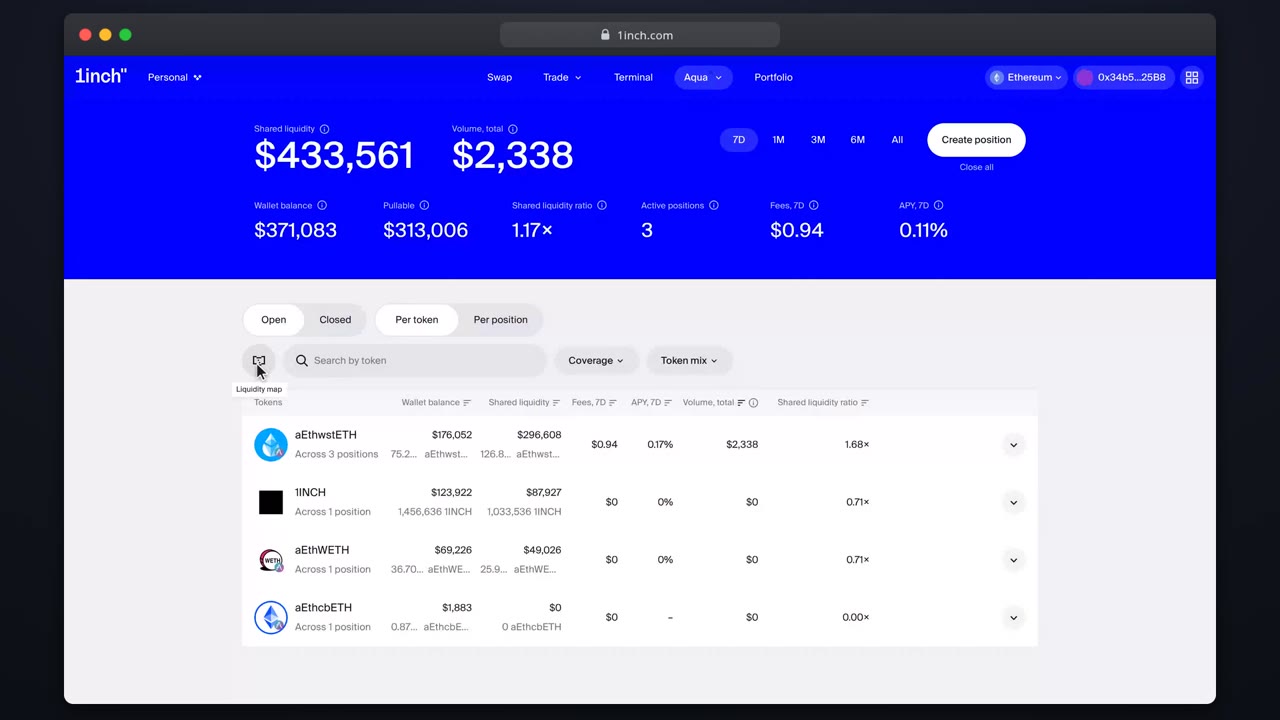
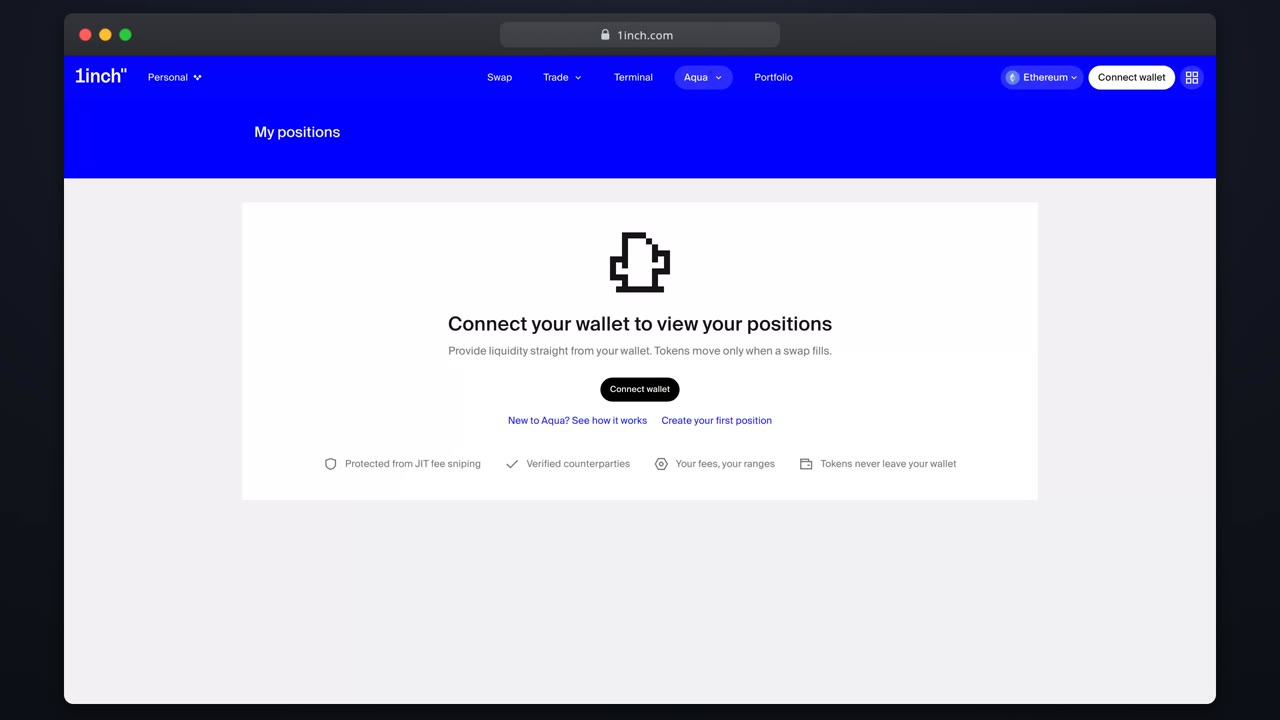
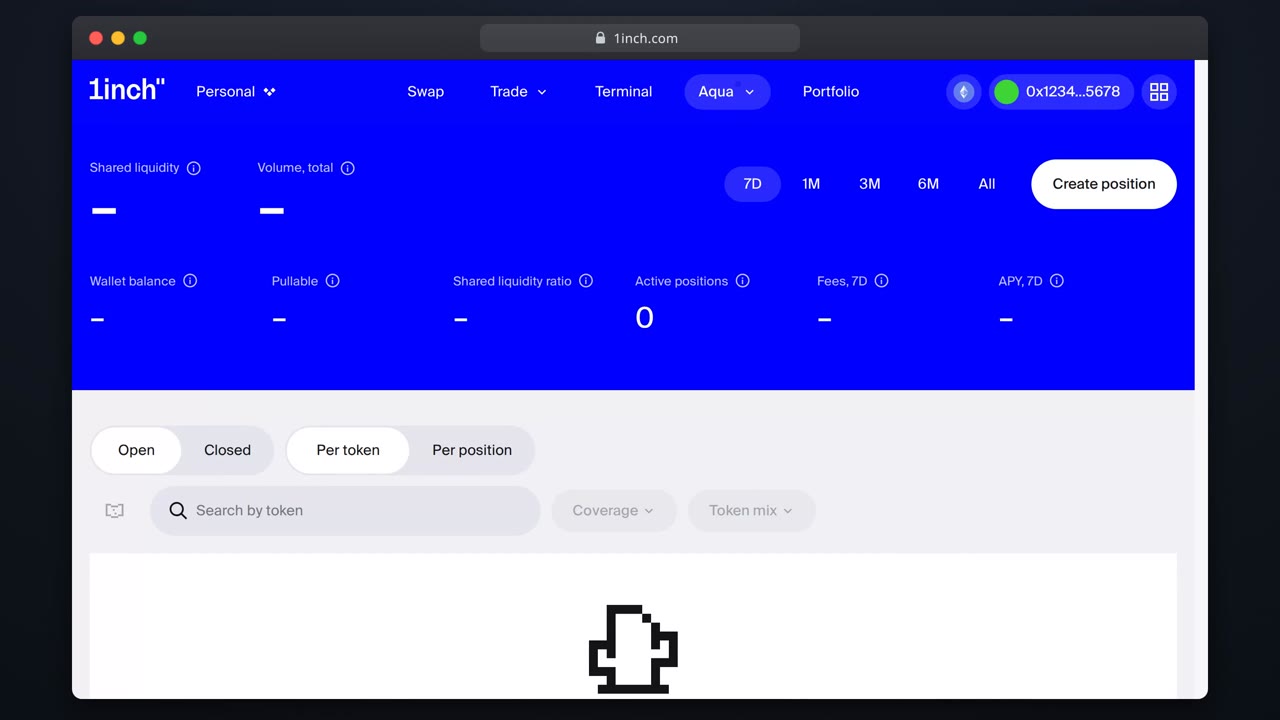
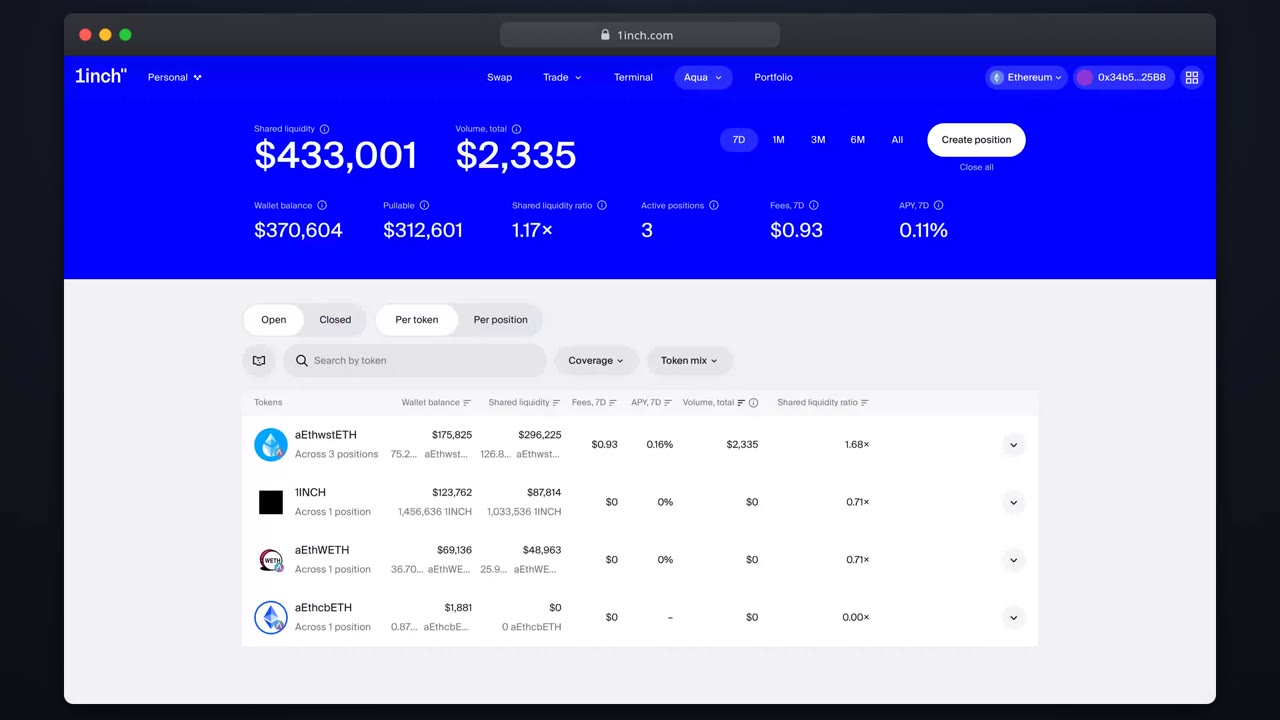
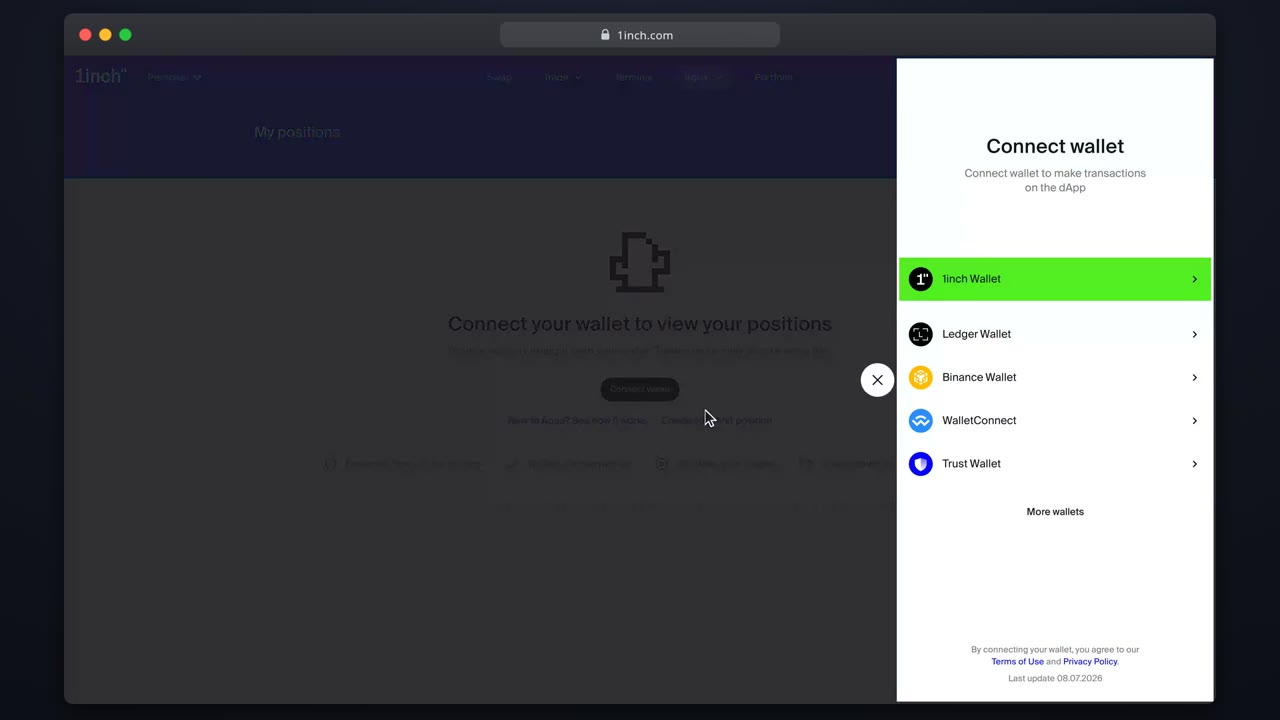
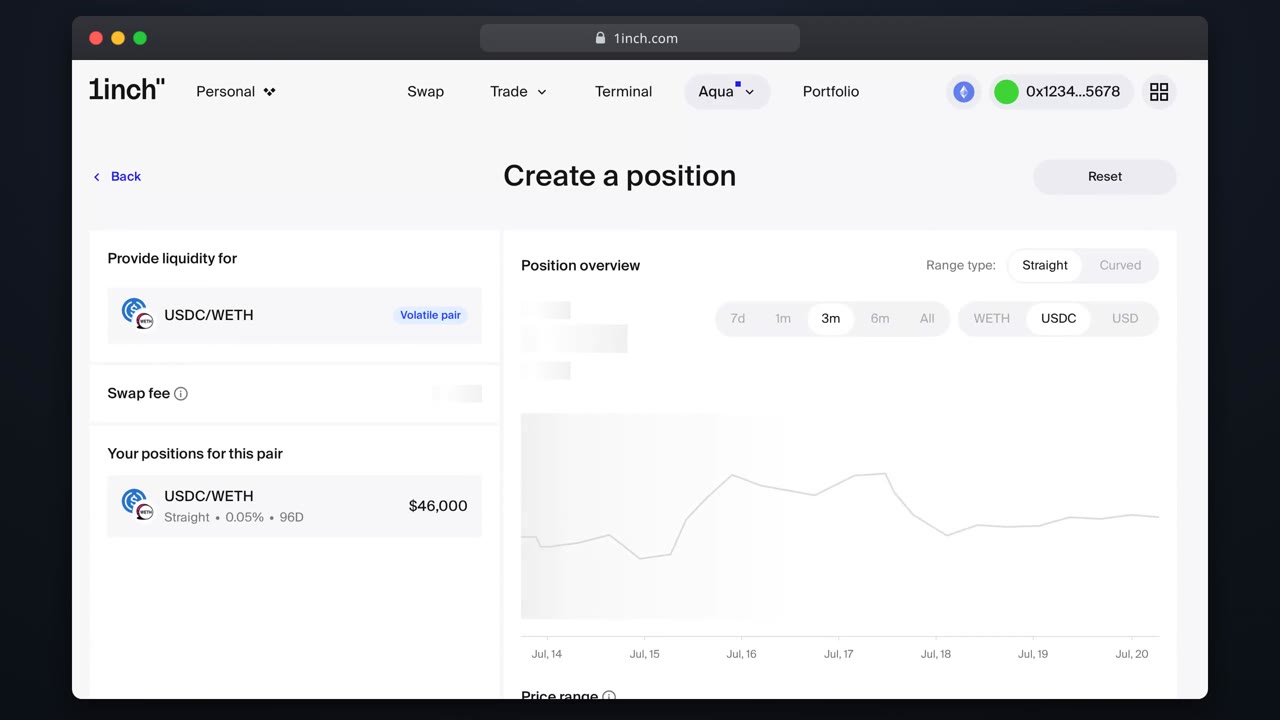
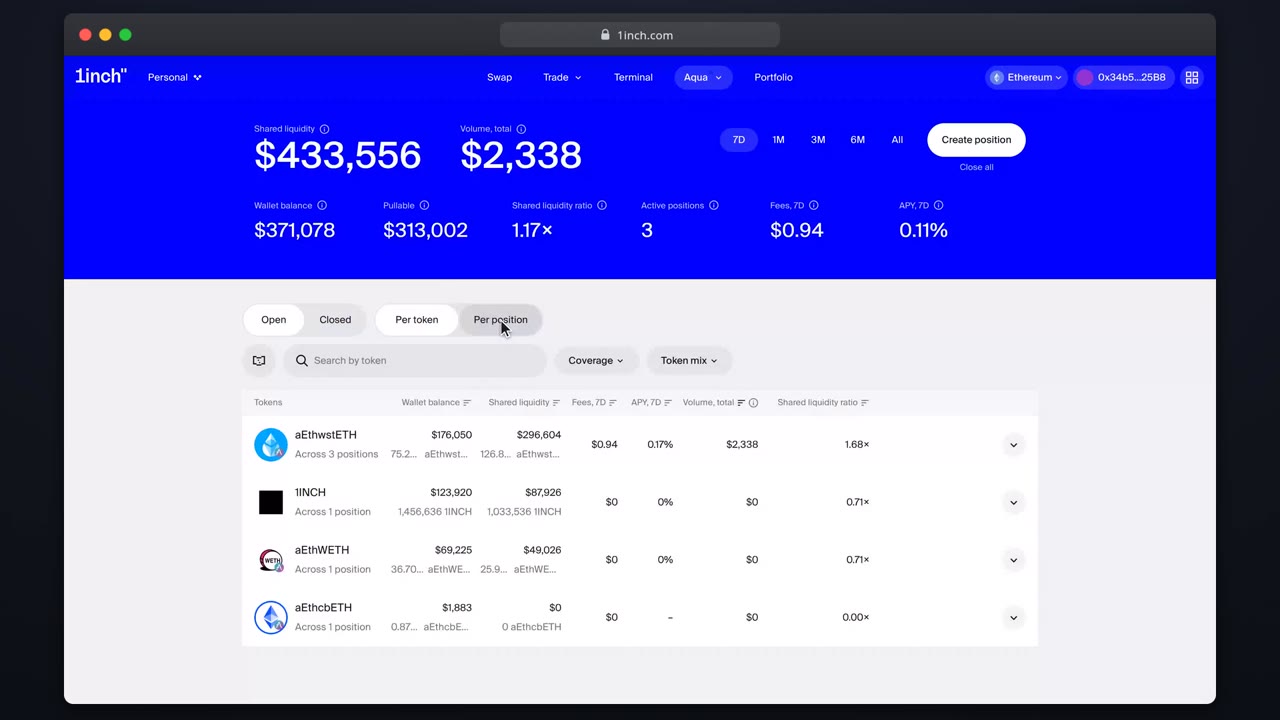
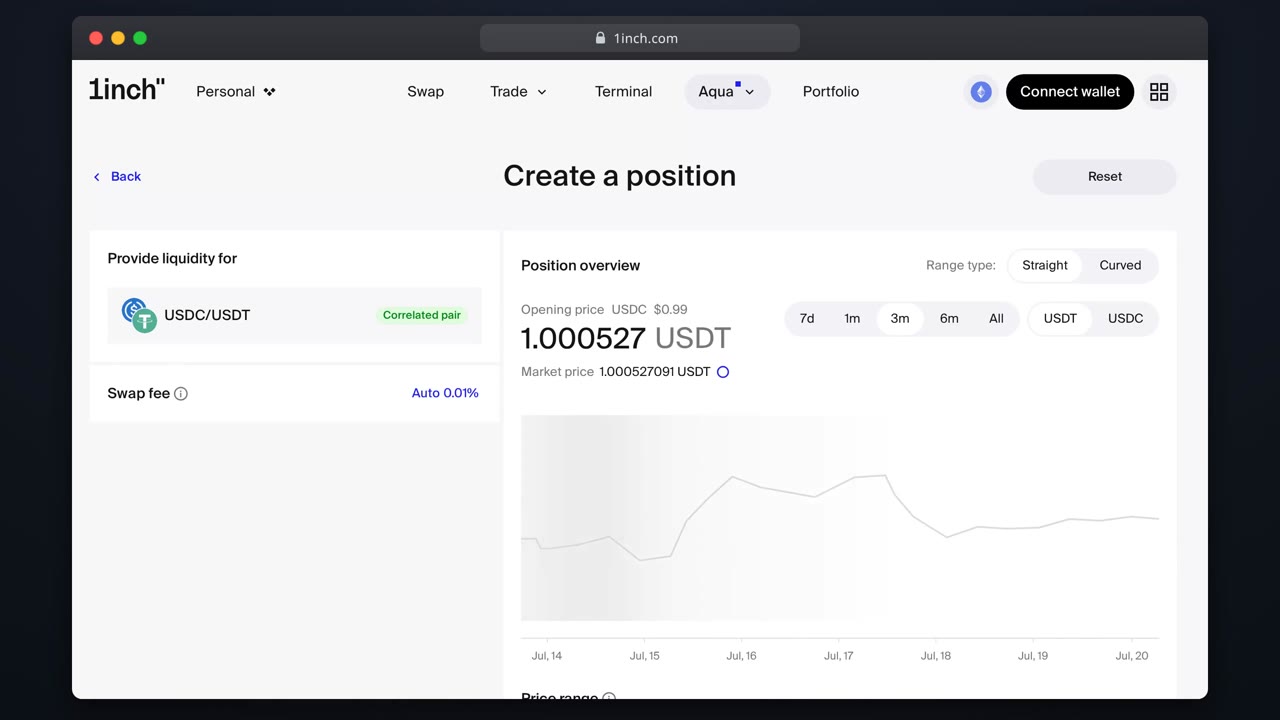
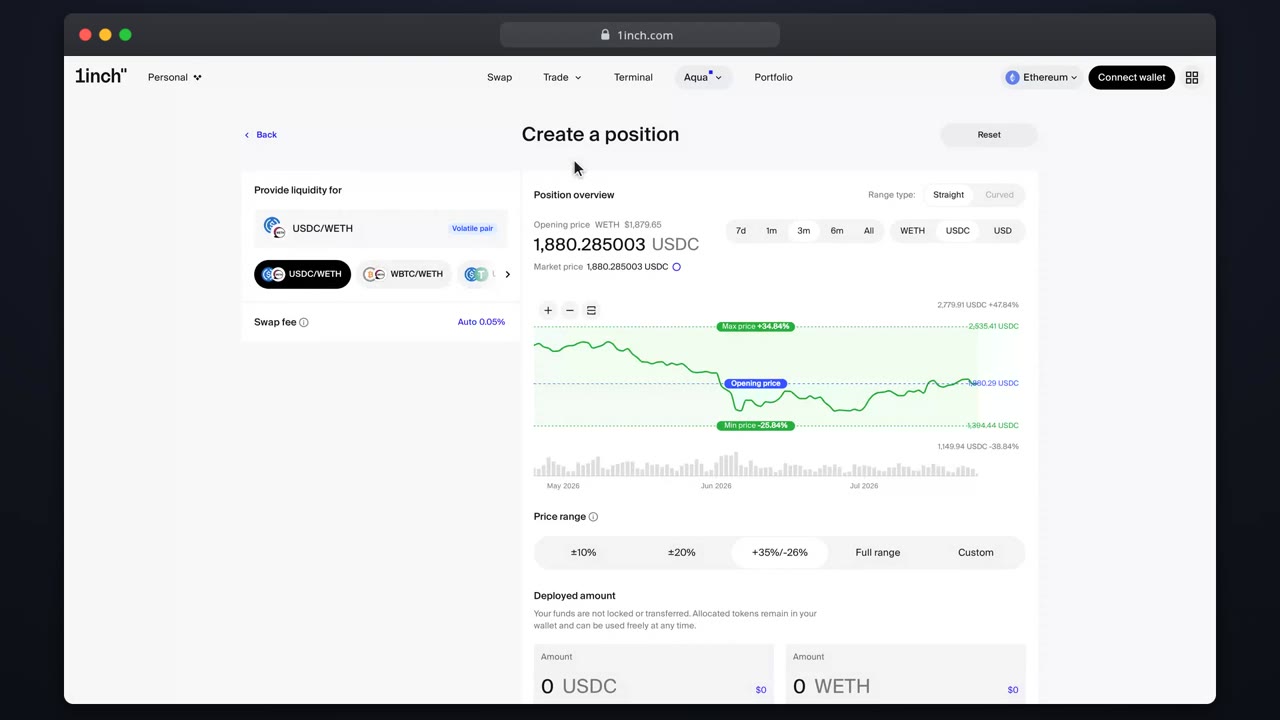
Connect a wallet to 1inchConnect an EOA, smart-contract or MPC wallet and land on the Aqua overview, ready to provide liquidity.Open your first Aqua positionWalk through the full builder flow: pick a pair, choose a shape, set amounts, range and fee, then review and ship.Tour the Aqua overviewRead status, coverage and earned fees for every position, and find where each management action lives.Close a positionClosing clears the config in one transaction. There is no withdrawal step, because nothing was ever deposited.
Positions
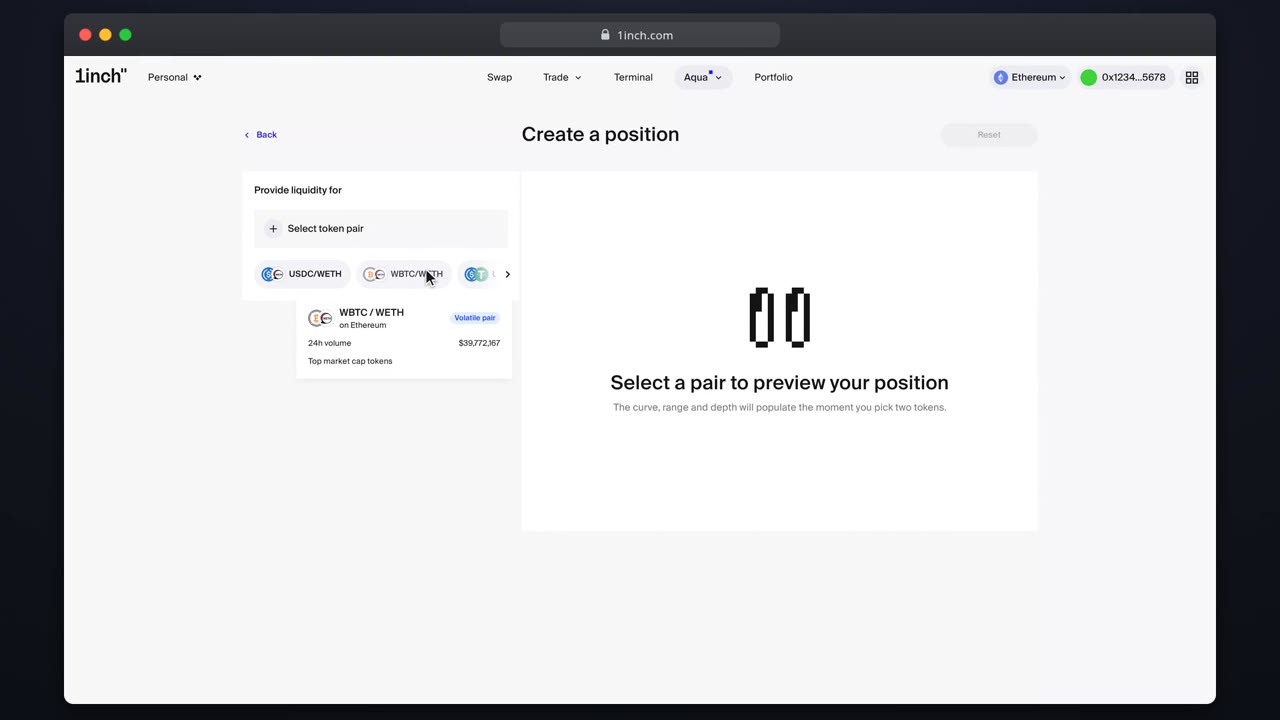
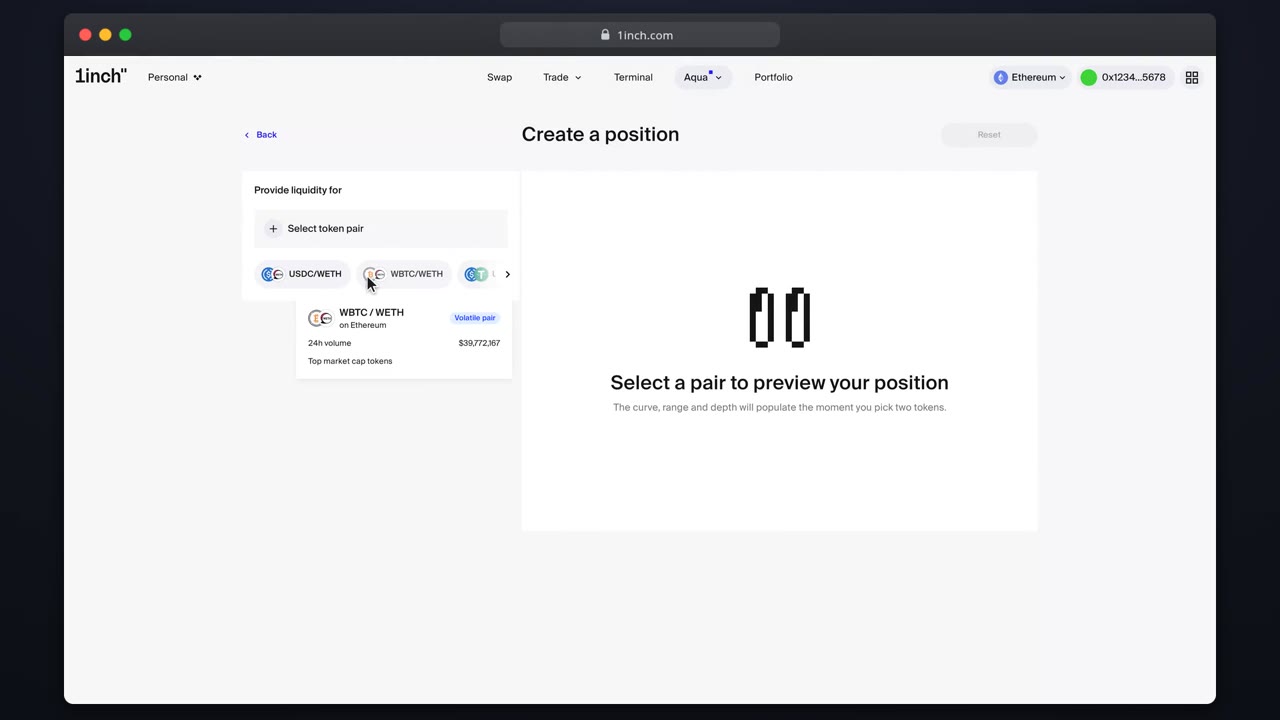
Pick a token pairUse the pair picker: browse categories, search by symbol or address, read the token warnings and learn why the pair order is fixed on-chain.Use quick-pick pairsQuick-pick chips surface pairs from your balances and market activity. One tap opens a configured builder.Provide one-sided liquidityQuote a single token by pinning the range edge to the opening price. The position quotes only the side you fund.Handle existing positions for a pairThe builder shows your open positions for the selected pair so you extend deliberately instead of doubling up.Read the position details pageThe details page shows everything about one position: fills, balances, the price header and the close action.
Strategies
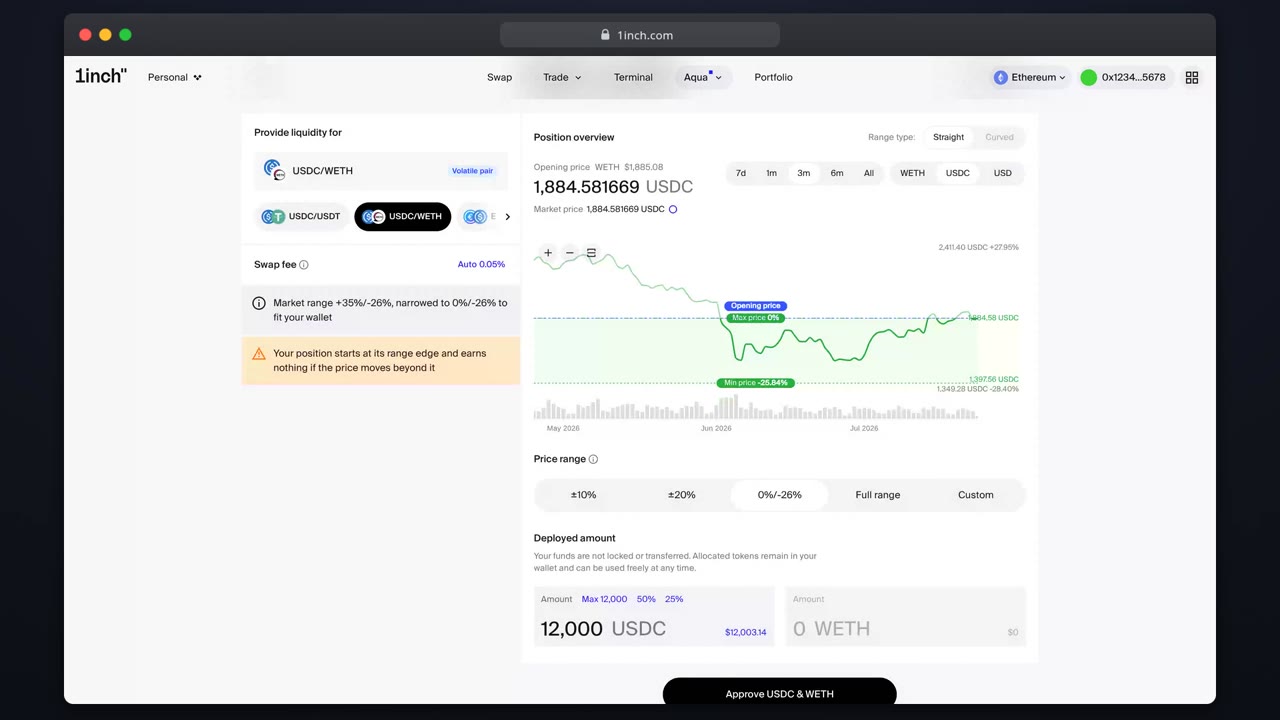
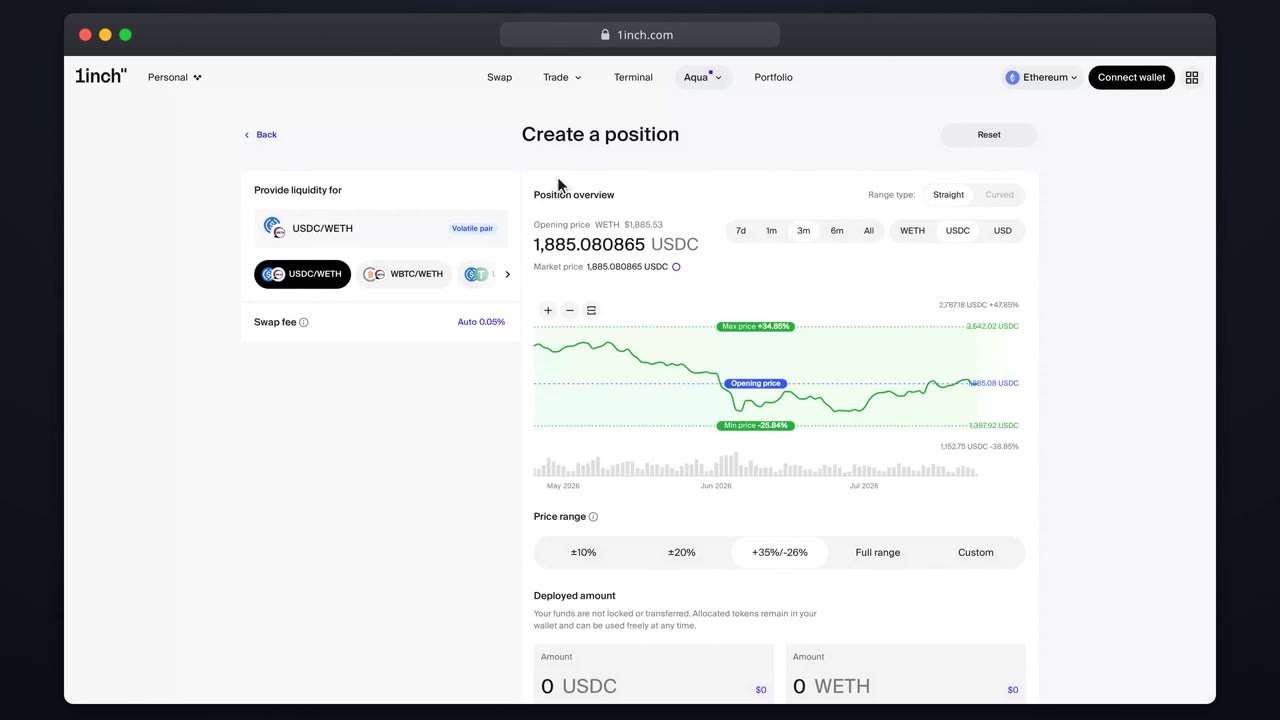
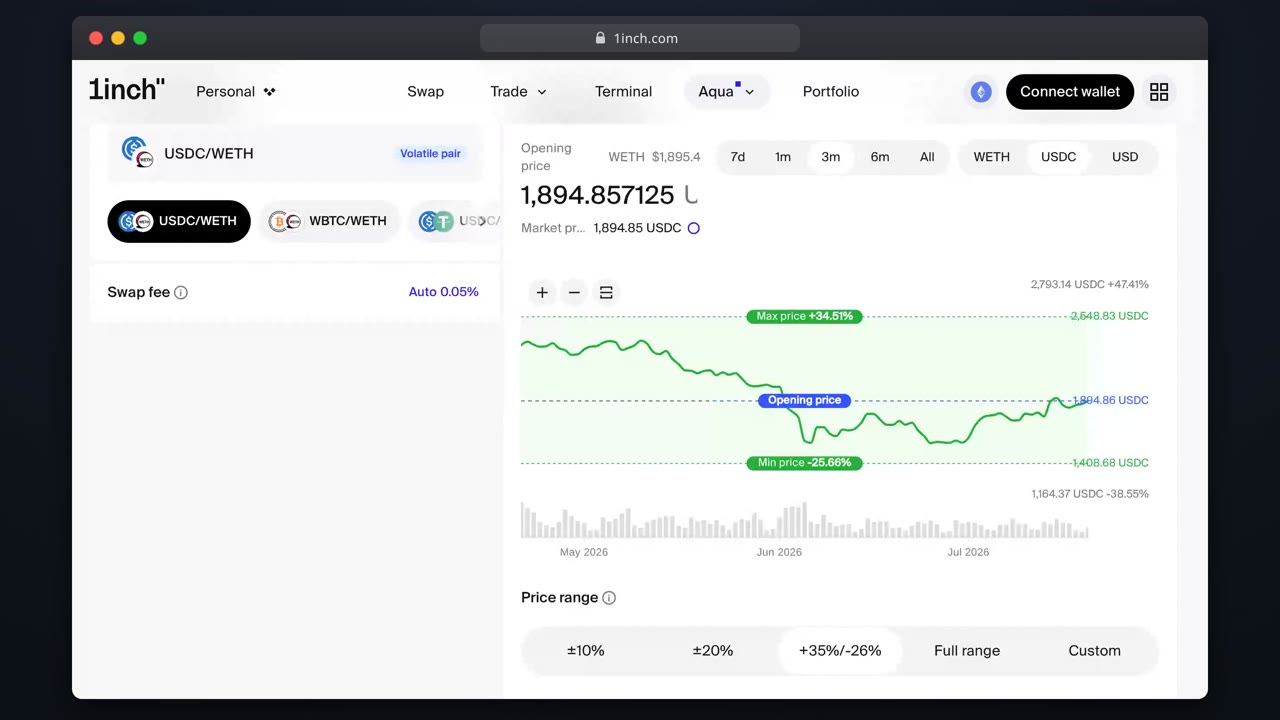
Set a concentrated rangeChoose lower and upper prices deliberately. Start from the default range, adjust on the chart and weigh the tight-vs-wide trade-off.Go full range (XYC)The Full range tier runs the classic constant-product curve. Your position never goes out of range and needs no rebalancing.Configure a pegged widthCurved positions are for parity assets: you pick a width around the peg instead of two prices.Reset the opening price to marketOne click in the builder header re-anchors your opening price to the live market before you ship.
Earnings
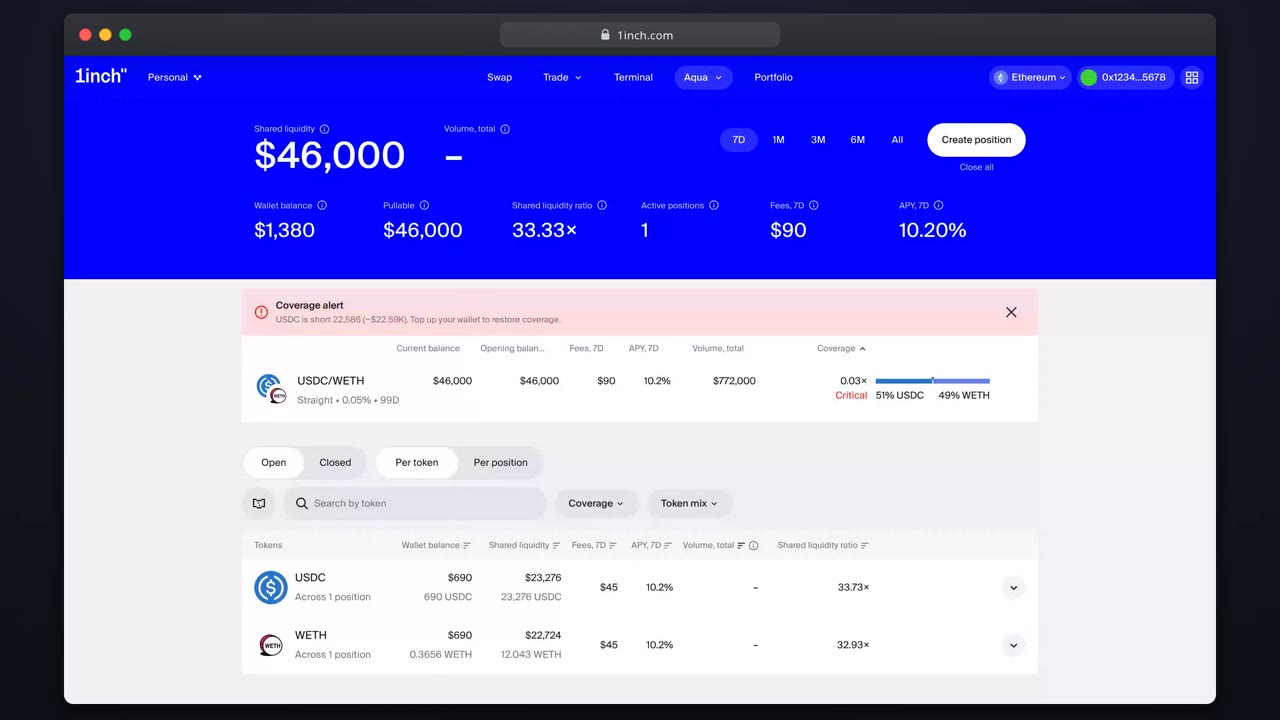
Choose your swap feeKeep the auto fee, pick a preset or set a custom one. The fee is how you win routed volume or premium-price scarce pairs.Track fees and activityThe transactions view is your earnings ledger. It shows every fill and fee across your positions.Fix critical coverageWhen wallet backing runs low a position stops filling. The coverage alert shows what to top up.