Set a concentrated range
Choose lower and upper prices deliberately. Start from the default range, adjust on the chart and weigh the tight-vs-wide trade-off.
Chapters
- 0:00Ranges in one minute
- 0:10The default range
- 0:19Adjusting on the chart
- 0:30Sanity checks
What you'll learn
- How the default range is derived
- Reading the liquidity chart while setting your range
- The tight-vs-wide fee-density trade-off
Step by step
- 1
Choose Straight
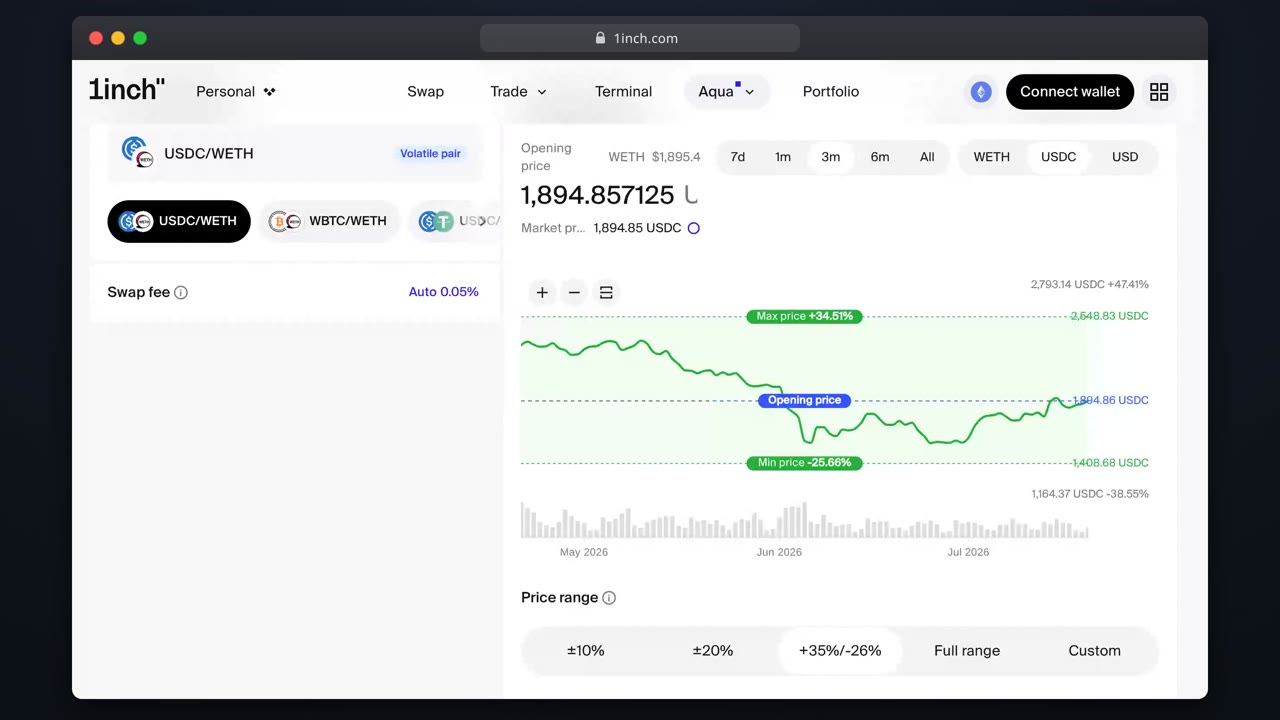
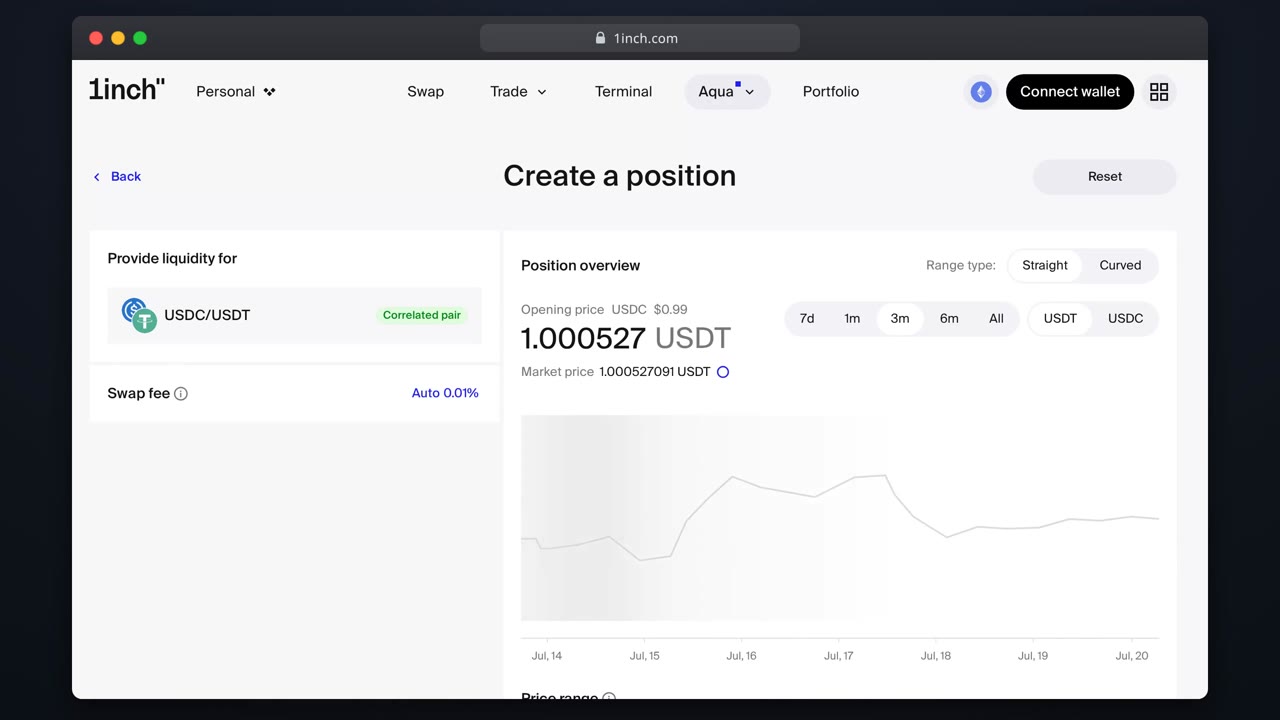
Pick the Straight strategy type. The range section appears with a chart.
- 2
Start from the default
Aqua pre-fills a range fitted to volatility and your wallet balance.
- 3
Drag to adjust
Move the edges on the chart. The allocation preview updates live.
- 4
Check the warnings
Out-of-range or heavily skewed setups get flagged before review.
- 5
Ship
Review and sign: the range is fixed in the position config.
Related tutorials
This flow is automatically verified on every release.