Configure a pegged width
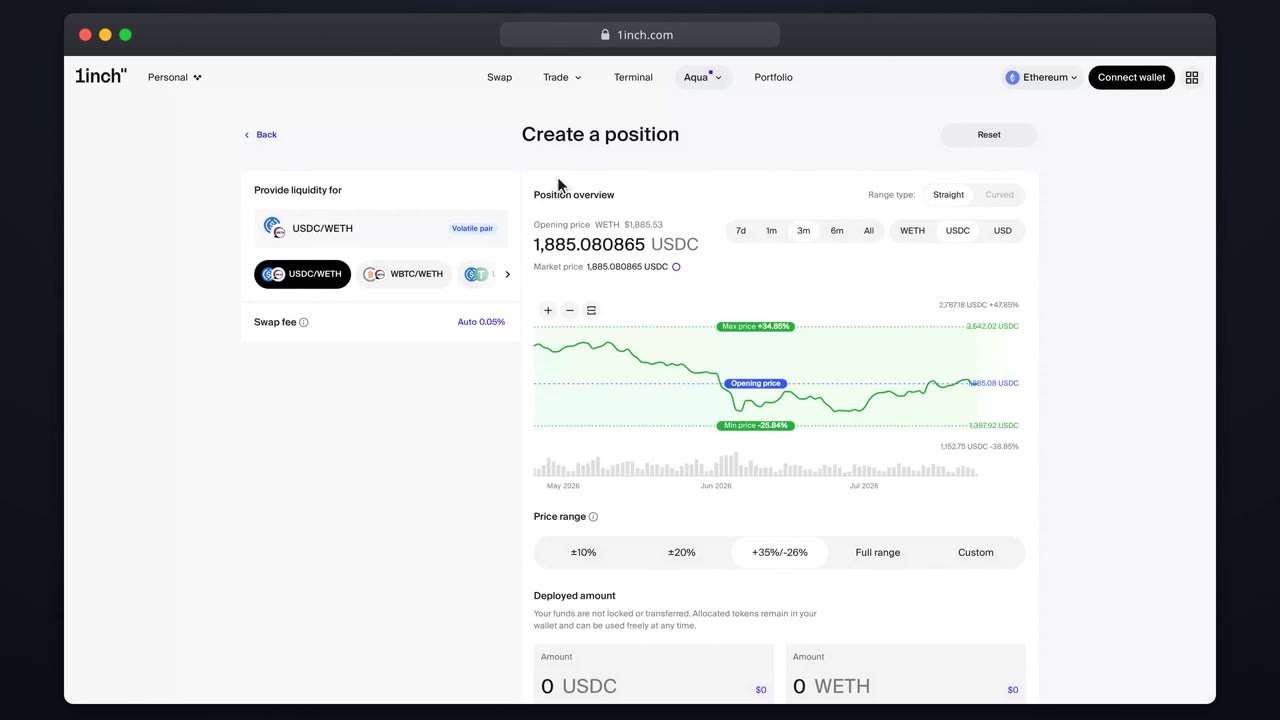
Curved positions are for parity assets: you pick a width around the peg instead of two prices.
Chapters
- 0:00Curved in one minute
- 0:06The width selector
- 0:17Reading the preview
- 0:23Shipping
What you'll learn
- Which pairs suit Curved positions
- How the width selector works
- Managing de-peg risk
Step by step
- 1
Choose Curved
Pick the Curved type for stables or LST pairs.
- 2
Set the width
A narrow width quotes aggressively near parity. A wider width absorbs deeper wobbles.
- 3
Check the preview
The chart shows how your liquidity distributes around the peg.
- 4
Ship
Review and sign: width and fee are fixed in the config.
Related tutorials
This flow is automatically verified on every release.