Open your first Aqua position
Walk through the full builder flow: pick a pair, choose a shape, set amounts, range and fee, then review and ship.
Chapters
- 0:00The builder at a glance
- 0:10Pair and strategy type
- 0:31Amounts, range and fee
- 0:46Review and ship
What you'll learn
- The five builder sections in order
- What the review step verifies before signing
- What Ship actually publishes on-chain
Step by step
- 1
Open the builder
From the Aqua overview press 'Create position', or open the create page directly.
- 2
Pick a pair and shape
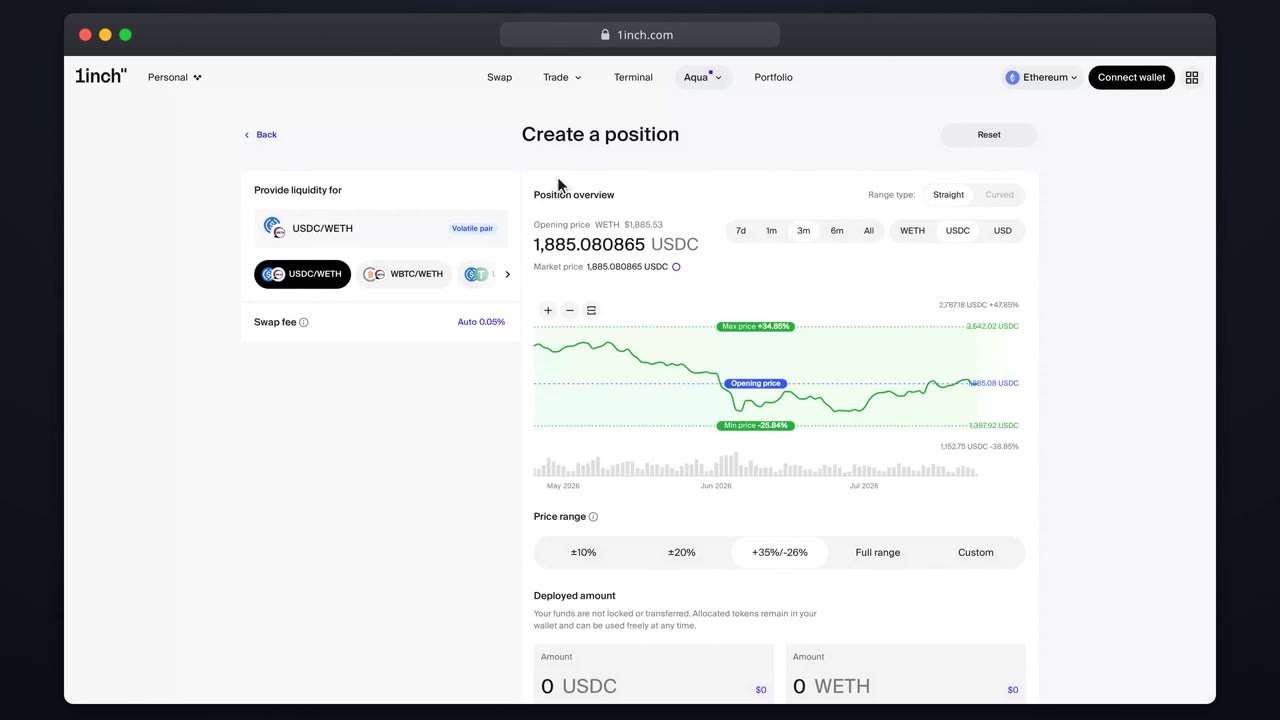
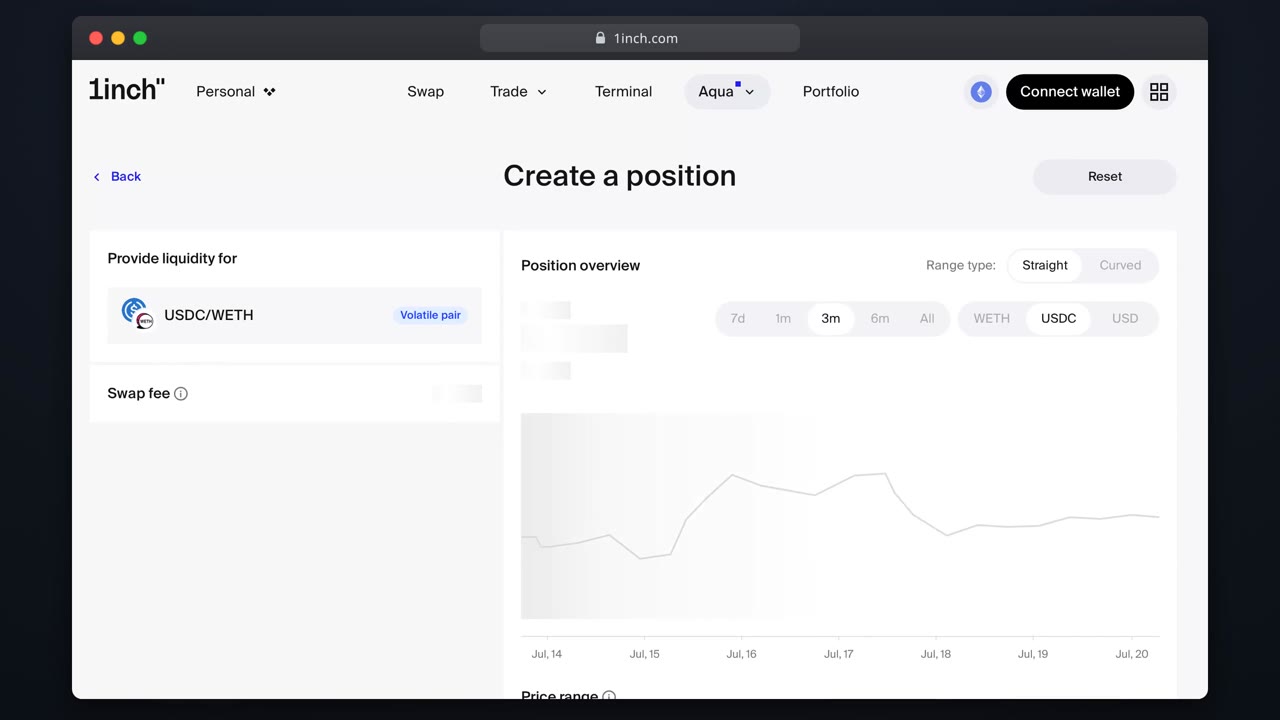
Choose a suggested pair or search the picker, then pick Straight or Curved.
- 3
Configure the position
Allocate amounts (token or USD), set the range or width, keep or adjust the fee.
- 4
Review the summary
Check opening price, allocation and fee. Aqua warns on price deviation or very small positions.
- 5
Ship it
One signature publishes the position. Tokens stay in your wallet until a swap fills.
Related tutorials
This flow is automatically verified on every release.
Tutorial complete
What you learned
- The builder flow: pick a pair and shape, then set amounts, range and fee.
- The review step checks opening price, allocation and fee before you sign.
- One signature publishes the position. Tokens stay in your wallet until a swap fills.