Tour the Aqua overview
Read status, coverage and earned fees for every position, and find where each management action lives.
Chapters
- 0:00Layout of the overview
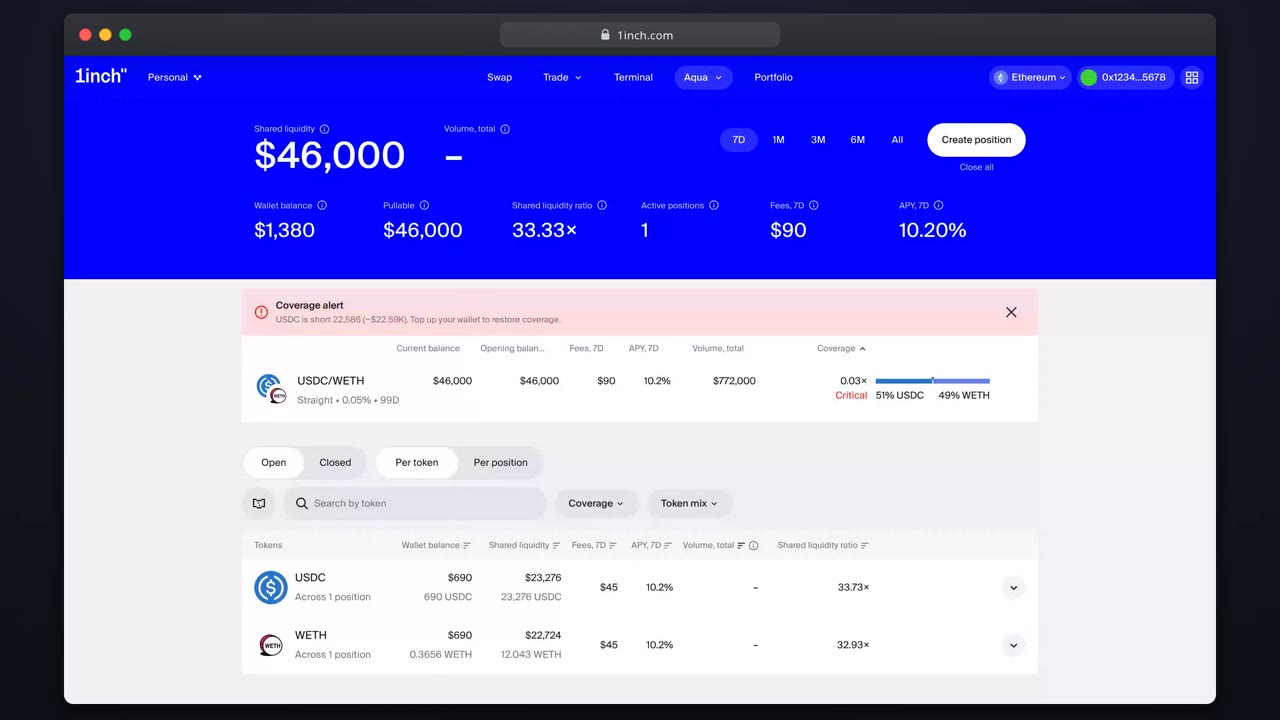
- 0:07Status and coverage
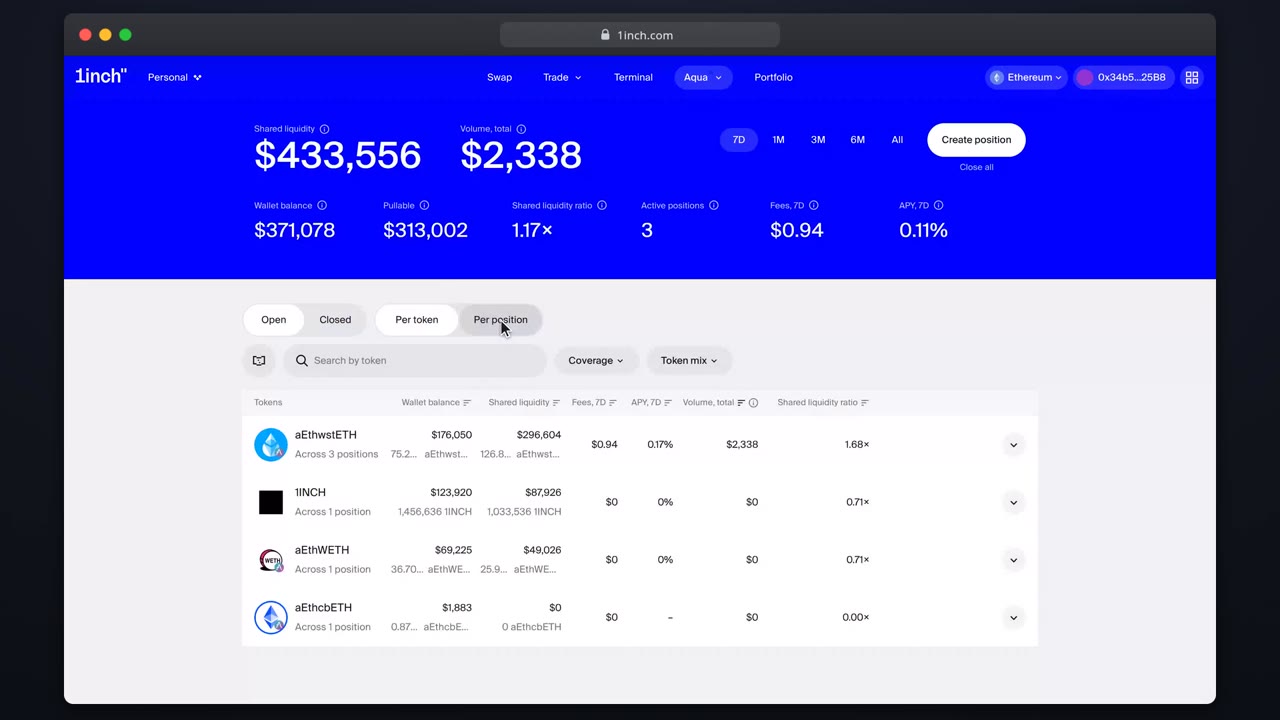
- 0:19Per-token vs per-position views
- 0:30Row actions
What you'll learn
- How positions are grouped per token and per position
- What the coverage column tells you
- Where close and details actions live
Step by step
- 1
Open the overview
Open the positions list in Aqua: it shows everything backed by the connected wallet.
- 2
Read the columns
Each row shows pair, status, coverage and earned fees at a glance.
- 3
Switch the view
Toggle between per-token and per-position groupings to match how you think.
- 4
Drill in
Click a row for the full details page: fills, balances and price history.
Related tutorials
This flow is automatically verified on every release.