Read the position details page
The details page shows everything about one position: fills, balances, the price header and the close action.
Chapters
- 0:00Opening details
- 0:12The price header
- 0:19Fills and balances
- 0:24Actions
What you'll learn
- What the price header shows
- How fills and balances are broken down
- Where the close action lives
Step by step
- 1
Open a position
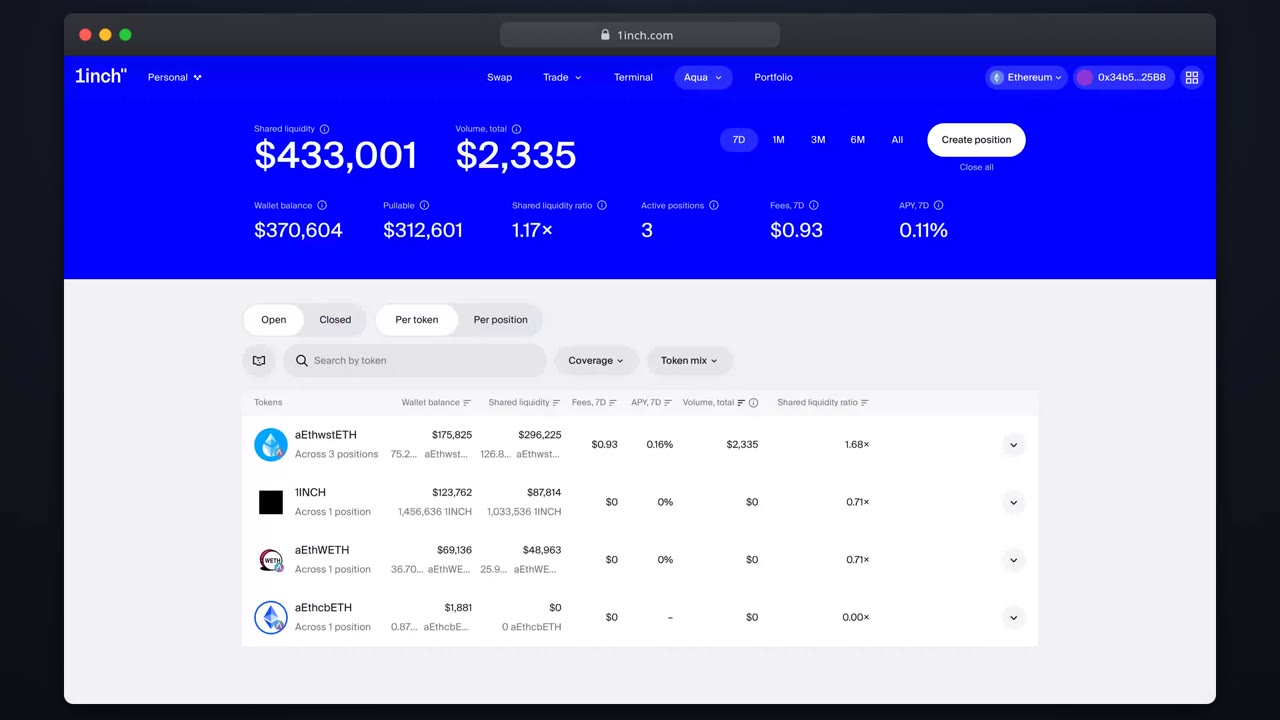
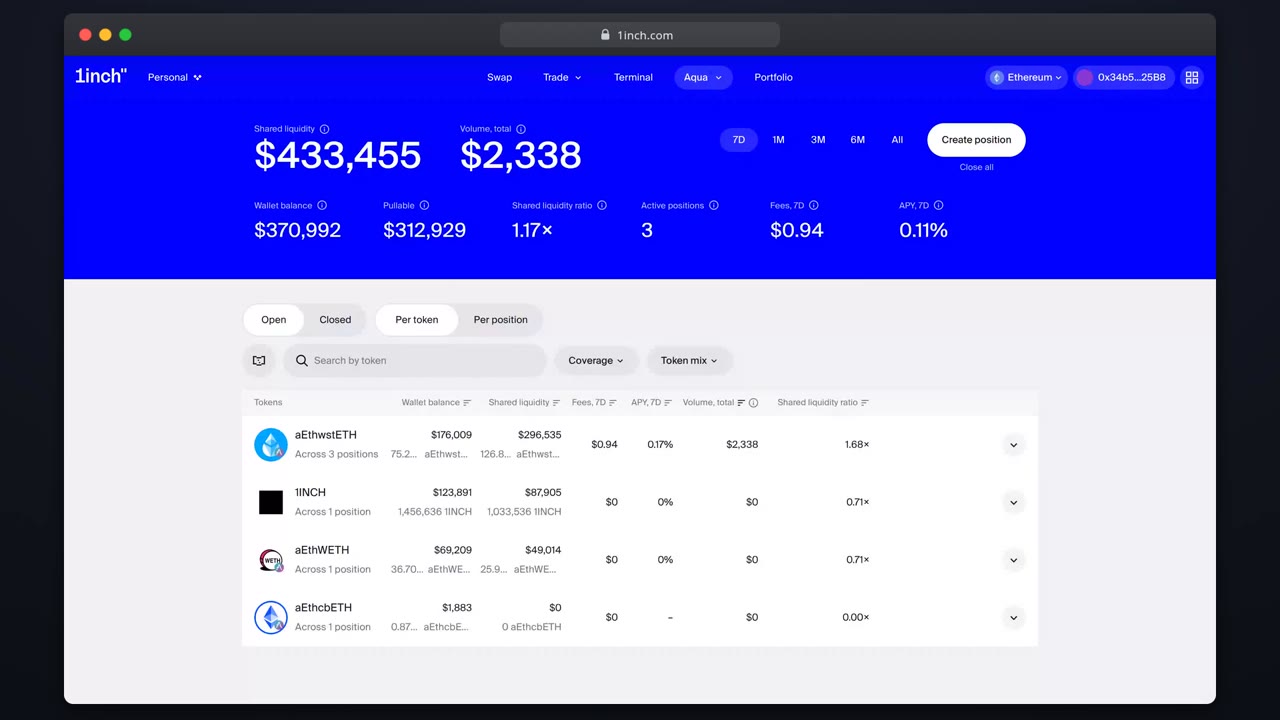
Click any row on the overview to load its details page.
- 2
Read the header
Current price vs your range, status and coverage in one strip.
- 3
Inspect fills
Every executed swap against the position, with amounts and fees earned.
- 4
Check balances
The wallet backing behind the position: what a fill can actually pull.
Related tutorials
This flow is automatically verified on every release.