Connect a wallet to 1inch
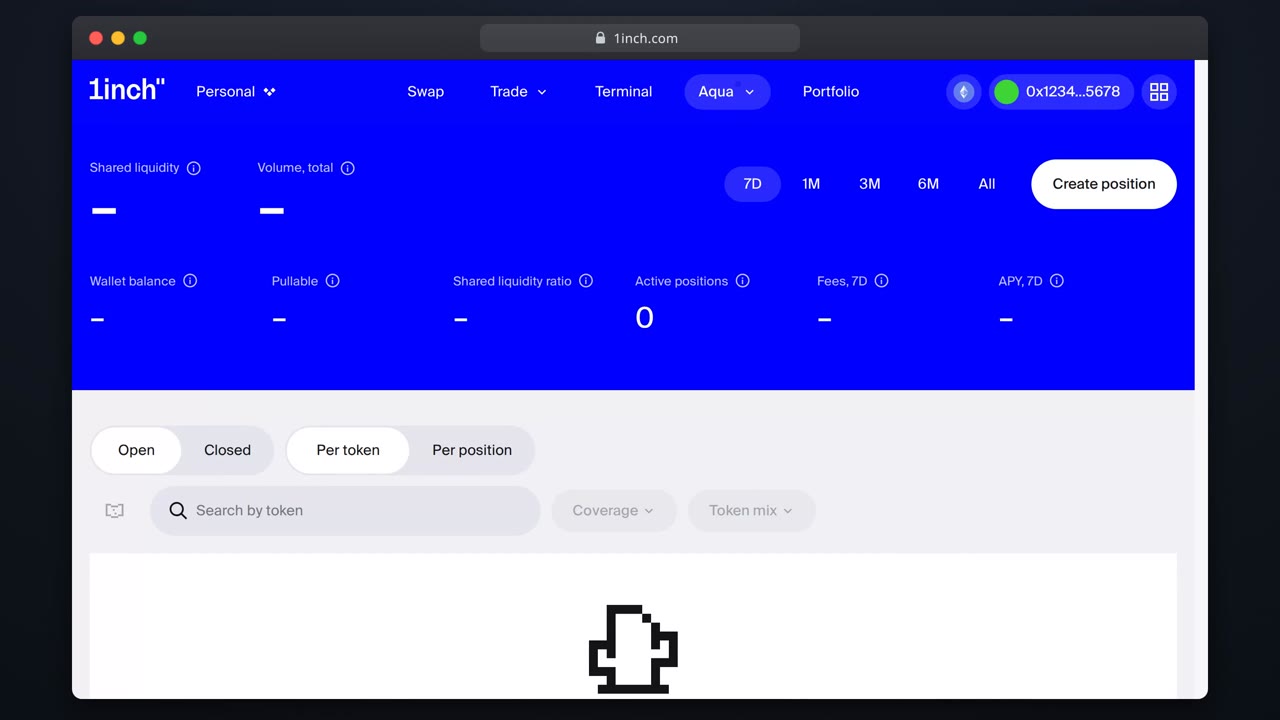
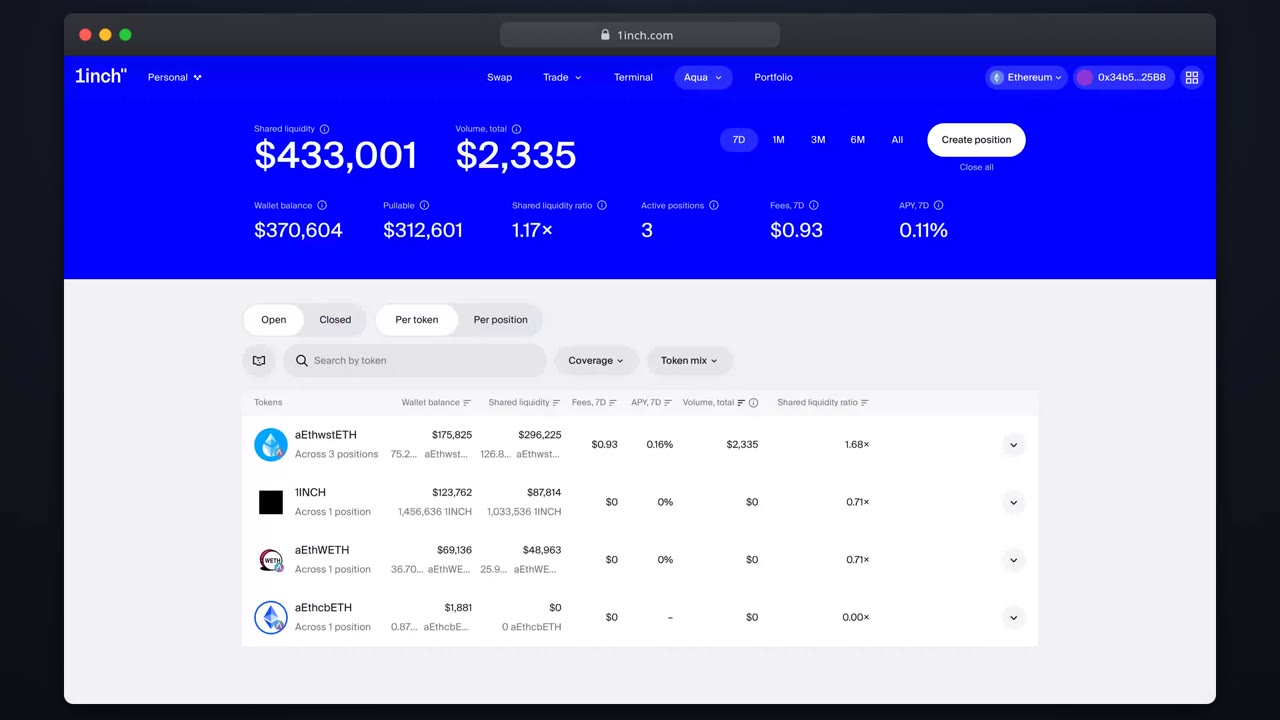
Connect an EOA, smart-contract or MPC wallet and land on the Aqua overview, ready to provide liquidity.
Chapters
- 0:00Why self-custody matters here
- 0:02Opening the connect dialog
- 0:09Choosing a wallet
- 0:16Checking the network selector
What you'll learn
- Which wallet types work with Aqua
- How the connect flow looks end to end
- Where to check the connected network
Step by step
- 1
Open 1inch.com
Press 'Connect wallet' in the header. EOAs, smart-contract wallets and MPC wallets all work.
- 2
Pick your wallet
Choose your provider and approve the connection request in the wallet.
- 3
Verify the network
Aqua runs on 13 chains. Use the network selector to land on the right one.
- 4
Head to Aqua
Open Aqua from the navigation. Your address shows in the account box.
Related tutorials
This flow is automatically verified on every release.