Handle existing positions for a pair
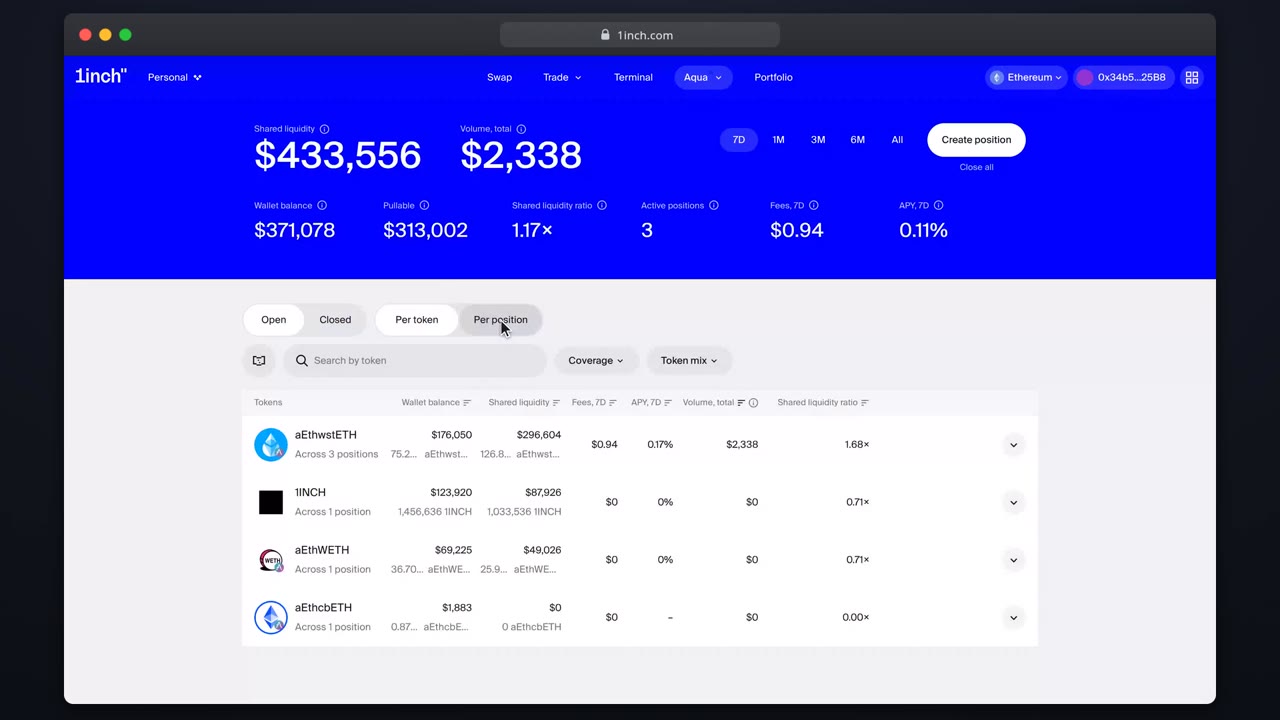
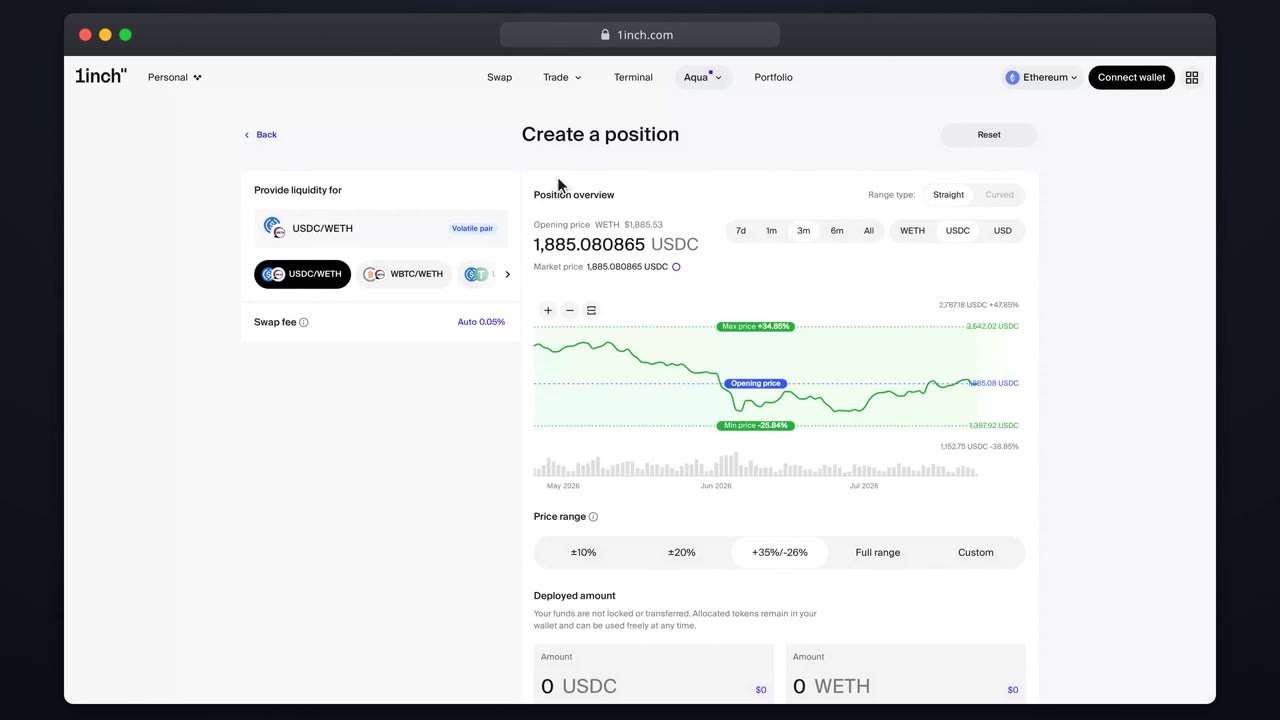
The builder shows your open positions for the selected pair so you extend deliberately instead of doubling up.
Chapters
- 0:00Why the card exists
- 0:05Reading the card
- 0:14Jumping to details
- 0:18Proceeding anyway
What you'll learn
- Where the existing-positions card appears
- How to jump to a live position
- When doubling up is intentional
Step by step
- 1
Select a pair you already quote
Under the fee section, a card lists your open positions for this pair.
- 2
Inspect one
Click an entry to open its details page: range, fee and earnings.
- 3
Decide
Adjust the existing position (close and reopen) or continue building a second one.
- 4
Continue
Multiple positions per pair are fine. They share the same wallet backing.
Related tutorials
This flow is automatically verified on every release.