Pick a token pair
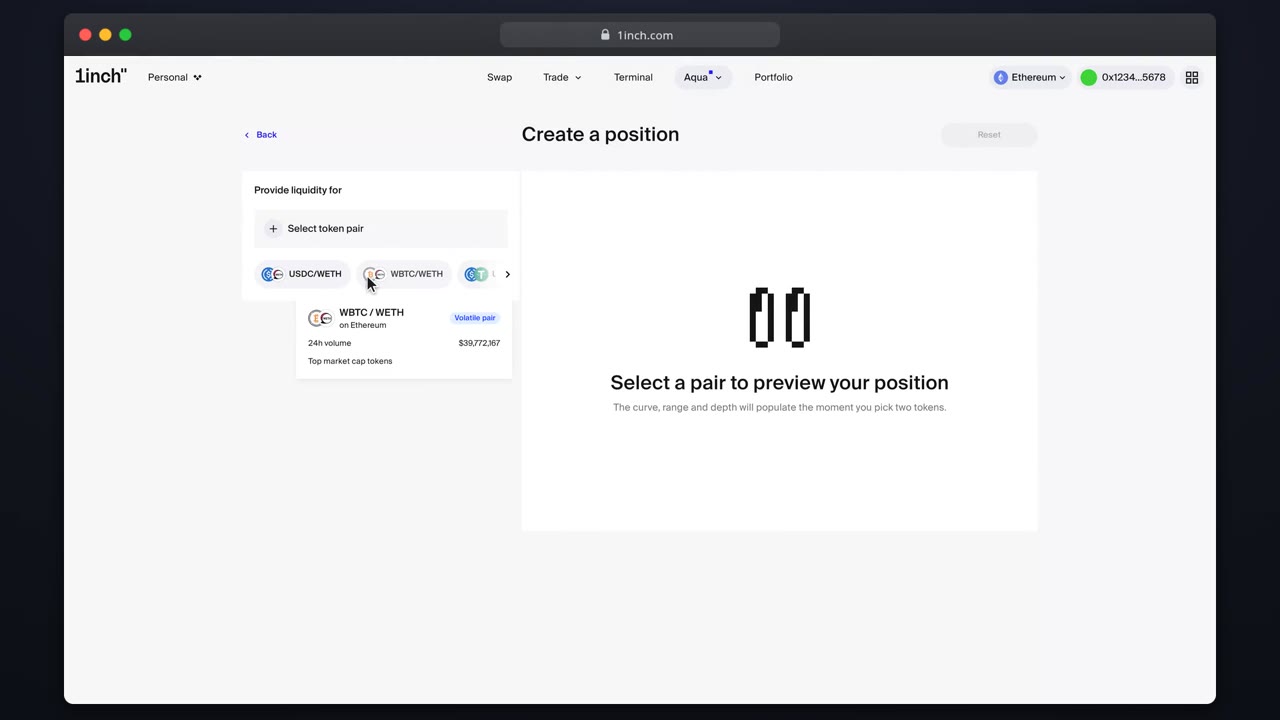
Use the pair picker: browse categories, search by symbol or address, read the token warnings and learn why the pair order is fixed on-chain.
Chapters
- 0:00Opening the picker
- 0:10Categories
- 0:26Searching
- 0:41Warnings and confirmation
What you'll learn
- How picker categories are built
- What the token warnings guard against
- Why pairs are address-sorted
Step by step
- 1
Open the picker
In the builder, press the pair selector to open the full picker.
- 2
Browse categories
Shared balance, most popular, top volume and more: each category explains why a pair is suggested.
- 3
Search directly
Type a symbol or paste an address. Verified tokens resolve immediately.
- 4
Confirm
Token warnings run before the pair is accepted, then the builder loads the pair data.
Related tutorials
This flow is automatically verified on every release.